Artificial intelligence has quickly become one of the most powerful productivity technologies ever created. Tasks that once took hours can now be completed in minutes, and entire workflows can be streamlined with the right AI tools.
But with hundreds of AI applications now available, finding the right ones can feel overwhelming. Some tools promise everything but deliver very little, while others genuinely change how people work.
The truth is that productivity isn’t about using the most AI tools. It’s about using the right ones.
Whether you’re a student, entrepreneur, content creator, developer, or office professional, the tools on this list can help you save time, work smarter, and focus on the tasks that matter most.
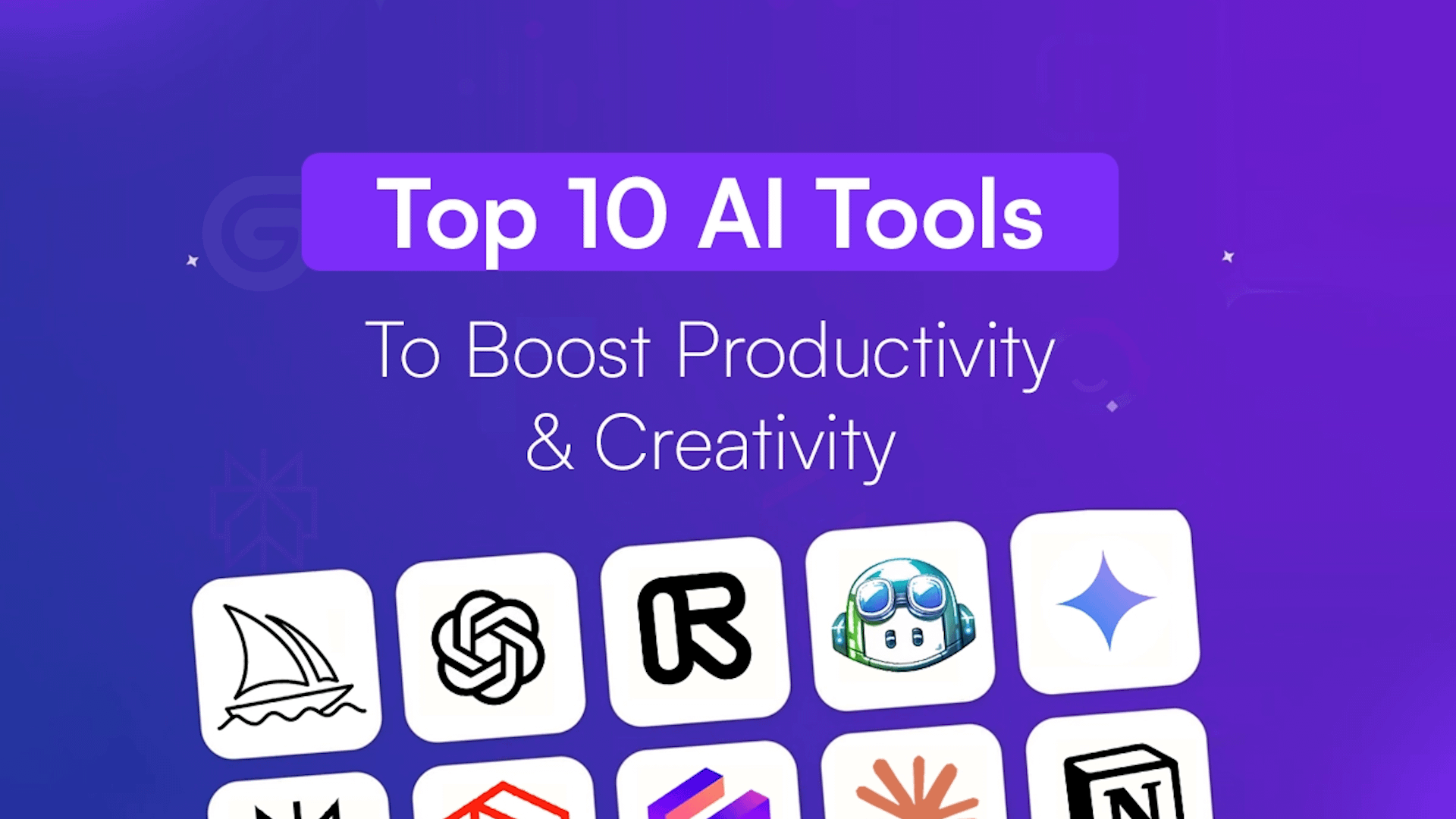
Here are the ten AI productivity tools worth your attention in 2026.
- What is an AI productivity tool?
- 1. ChatGPT – Best overall AI productivity tool
- 2. Perplexity – Best for research
- 3. Claude – Best for deep thinking
- 4. Notion AI – Best for organization
- 5. Cursor – Best for developers
- 6. Otter.ai – Best for meetings
- 7. Grammarly – Best for writing improvement
- 8. Zapier – Best for workflow automation
- 9. Gamma – Best for presentations
- 10. Fireflies.ai – Best for team collaboration
- Why are AI productivity tools becoming so popular?
What is an AI productivity tool?
An AI productivity tool is software that uses artificial intelligence to help people complete tasks more efficiently. These tools can assist with writing, research, coding, note-taking, scheduling, meetings, automation, and countless other activities.
Unlike traditional software, AI productivity tools can understand instructions, generate content, analyze information, and even make suggestions based on context. Instead of simply following commands, they can actively help users solve problems and complete work faster.
Today, AI productivity tools are used by students, freelancers, entrepreneurs, developers, and businesses of all sizes. From writing emails and creating presentations to automating repetitive tasks, AI has become one of the most valuable productivity technologies available.
The best AI productivity tools don’t necessarily replace human work. Instead, they remove friction, reduce repetitive tasks, and allow people to focus on higher-value activities that require creativity, decision-making, and critical thinking.
1. ChatGPT – Best overall AI productivity tool
Best for:
Writing, brainstorming, research, planning, and everyday tasks.
ChatGPT remains one of the most versatile AI tools available today. It can help generate ideas, write emails, summarize information, create content, and even assist with coding.
What makes ChatGPT particularly valuable is its flexibility. It can fit into almost any workflow and adapt to different industries and use cases.
Pros
- Extremely versatile
- Easy to use
- Great for content creation
- Supports advanced reasoning and file uploads
Cons
- Responses still require fact-checking
- Premium features require a subscription
2. Perplexity – Best for research
Best for:
Research, fact-checking, and learning.
Perplexity combines AI-generated answers with source citations, making it one of the most useful tools for gathering information quickly.
Instead of opening dozens of tabs, users receive concise answers with links to supporting sources.
Pros
- Fast and reliable research
- Provides sources
- Excellent for learning and market research
Cons
- Not designed for long-form content creation
- Source quality can vary
3. Claude – Best for deep thinking
Best for:
Analysis, long documents, and strategic planning.
Claude shines when working with large amounts of information. It performs particularly well with PDFs, lengthy reports, and detailed reasoning tasks.
Many professionals use Claude as a thinking partner rather than simply a writing assistant.
Pros
- Excellent contextual understanding
- Strong analytical abilities
- Handles long documents well
Cons
- Smaller ecosystem than ChatGPT
- Sometimes overly cautious
4. Notion AI – Best for organization
Best for:
Notes, project management, and documentation.
Notion AI adds powerful writing and summarization features to one of the world’s most popular productivity platforms.
It helps users organize projects, generate meeting notes, summarize information, and manage knowledge bases more efficiently.
Pros
- Excellent organization features
- Integrates directly into workflows
- Great for teams
Cons
- Requires learning the Notion ecosystem
- Premium features add costs
5. Cursor – Best for developers

Best for:
Coding and software development.
Cursor has quickly become one of the most popular AI coding environments available today. It understands projects at a deeper level and can generate, explain, and improve code.
Even non-developers are increasingly using Cursor to build websites and small applications.
Pros
- Deep code understanding
- Excellent debugging capabilities
- Significant time savings
Cons
- Primarily aimed at coding tasks
- Learning curve for beginners
6. Otter.ai – Best for meetings
Best for:
Meeting summaries and transcription.
Otter.ai automatically records, transcribes, and summarizes meetings, making it ideal for professionals who spend a large part of their day in calls.
Instead of manually taking notes, users can focus entirely on the conversation.
Pros
- Accurate transcription
- Great summaries
- Saves significant time
Cons
- Accuracy can vary
- Advanced features require paid plans
7. Grammarly – Best for writing improvement
Best for:
Emails, reports, and professional communication.
Grammarly remains one of the easiest ways to improve writing quality. It catches grammar mistakes, improves clarity, and suggests better phrasing.
Its AI capabilities have expanded significantly and now help with rewriting and content generation as well.
Pros
- Simple to use
- Excellent writing suggestions
- Works across many applications
Cons
- Premium features are paid
- Suggestions occasionally need adjustment
8. Zapier – Best for workflow automation
Best for:
Connecting apps and automating repetitive tasks.
Zapier allows users to create workflows between hundreds of applications without coding.
Simple automations can save hours every week and eliminate many repetitive tasks.
Pros
- Huge integration library
- Easy to set up
- Significant productivity gains
Cons
- Advanced workflows can become expensive
- Some automations require experimentation
9. Gamma – Best for presentations

Best for:
Presentations and visual documents.
Gamma uses AI to create professional presentations from simple prompts. Instead of spending hours designing slides, users can generate visually appealing presentations in minutes.
Pros
- Fast presentation creation
- Modern designs
- Easy editing
Cons
- Limited customization compared to traditional software
- Premium features require payment
10. Fireflies.ai – Best for team collaboration

Best for:
Meeting insights and team productivity.
Fireflies.ai records meetings, generates transcripts, and extracts important information automatically.
For teams managing large numbers of meetings, it can become an essential productivity tool.
Pros
- Automatic meeting notes
- Good integrations
- Saves administrative time
Cons
- Requires recording permissions
- Premium features locked behind subscriptions
Why are AI productivity tools becoming so popular?
The popularity of AI productivity tools has exploded in recent years because they offer something every professional wants: more time.
Many everyday tasks are repetitive and time-consuming. Research can take hours, writing can feel overwhelming, and administrative work often consumes valuable time that could be spent on more important projects. AI tools help reduce this workload by handling many of these tasks in minutes.
Another reason for their rapid adoption is accessibility. Many AI tools are easy to use and require little or no technical knowledge. Anyone can begin using AI to improve their workflow, whether they are managing a business, studying for exams, creating content, or simply trying to stay organized.
As artificial intelligence continues to improve, these tools are becoming less of a competitive advantage and more of an everyday necessity. Learning how to use them effectively is quickly becoming an essential skill in the modern workplace.
Artificial intelligence isn’t replacing productivity—it is redefining it.
The best AI productivity tools aren’t necessarily the ones with the most features. They’re the ones that remove friction from your day and allow you to focus on meaningful work.
If you’re just getting started, begin with these three:
- ChatGPT
- Perplexity
- Grammarly
Those tools alone can dramatically improve writing, research, and daily productivity.
As your needs grow, you can gradually expand your AI toolkit with automation, collaboration, and specialized solutions.
The future of productivity belongs to people who know how to combine human creativity with intelligent tools.
Leave a Reply