
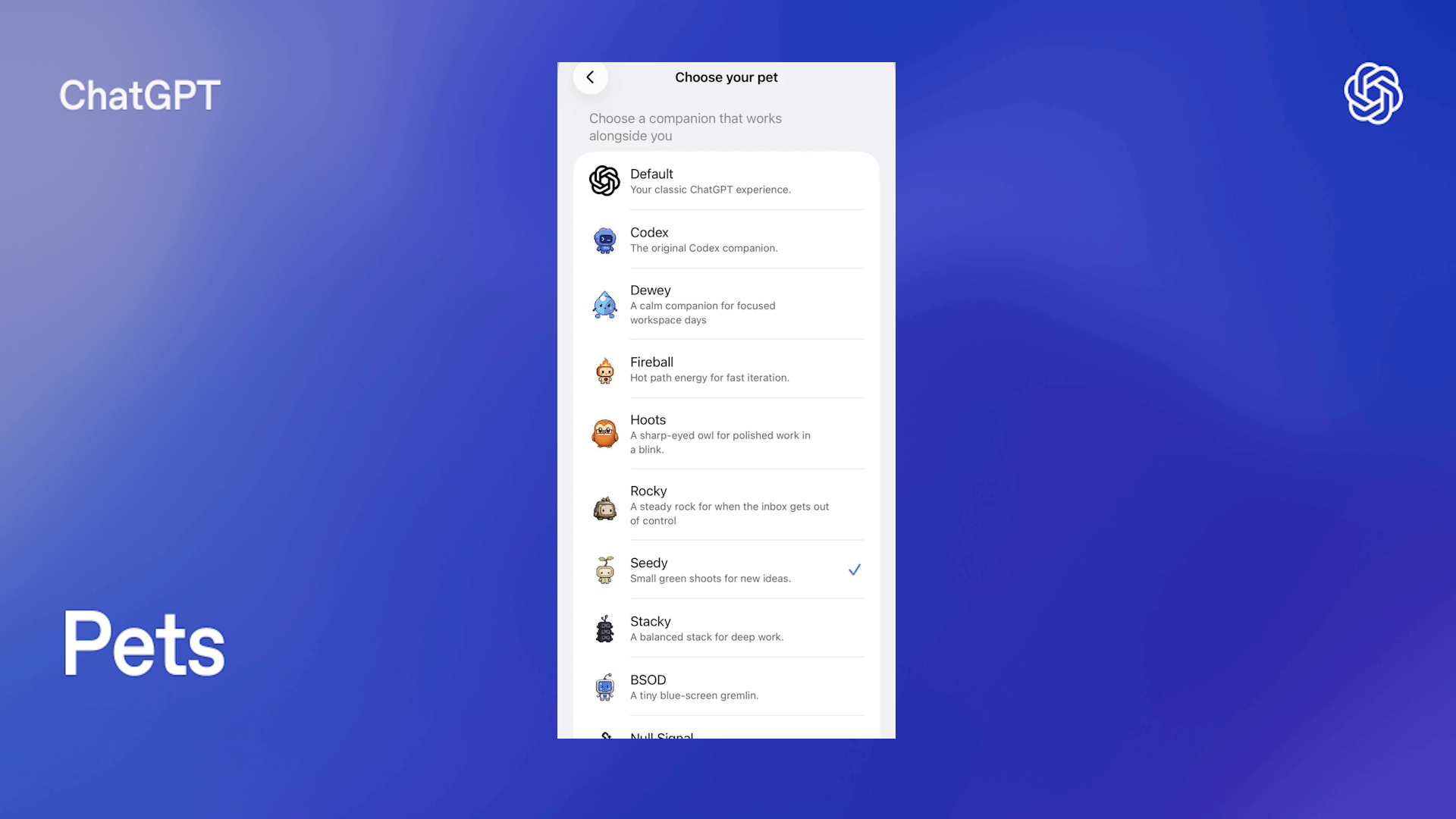
Table of contents:
Artificial intelligence has become an essential tool for work, learning, creativity, and everyday life. But sometimes technology is simply meant to be fun.
One of the latest playful additions to ChatGPT is the introduction of Pets—virtual companions that give your conversations a little more personality. While they don’t change ChatGPT’s intelligence or capabilities, they add a layer of charm that makes interacting with AI feel more engaging.
In this guide, we’ll explain what ChatGPT Pets are, how to get one, what they can do, and why OpenAI introduced this feature.
What are ChatGPT pets?
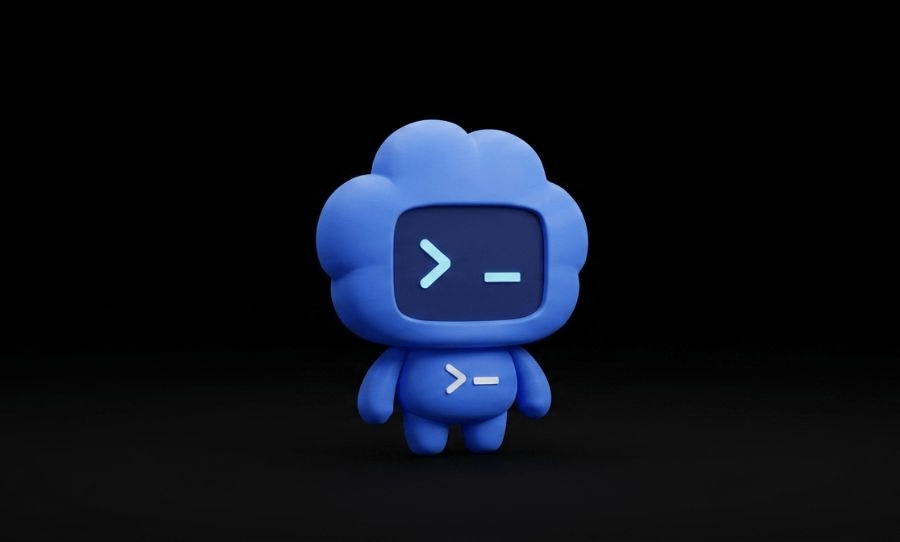
ChatGPT Pets are small virtual companions that can accompany you while you use ChatGPT.
Rather than acting as separate AI assistants, pets are cosmetic and interactive companions designed to make conversations feel more lively. Think of them as digital desk companions rather than productivity tools.
Depending on the pet, you may notice:
- Idle animations
- Reactions during conversations
- Different personalities
- Small visual interactions
- Unlockable appearances or variations
The feature is designed to make ChatGPT feel a little less like software and a little more like a friendly workspace.
Why did OpenAI add pets?
Not every feature has to improve productivity.
OpenAI has increasingly focused on making ChatGPT enjoyable to use, not just useful. Over the past year we’ve seen additions like:
- Improved voice conversations
- Better memory features
- Personalization options
- Custom personalities
- Interactive experiences
Pets fit naturally into this direction by giving users something fun without getting in the way of actual work.
Many users spend hours inside ChatGPT every week. Small touches like virtual companions help make that experience feel warmer and more personal.
How do you get a ChatGPT pet?
The exact availability depends on your account and platform.
If the feature has reached your account, you’ll typically find it somewhere within the ChatGPT customization or personalization settings.
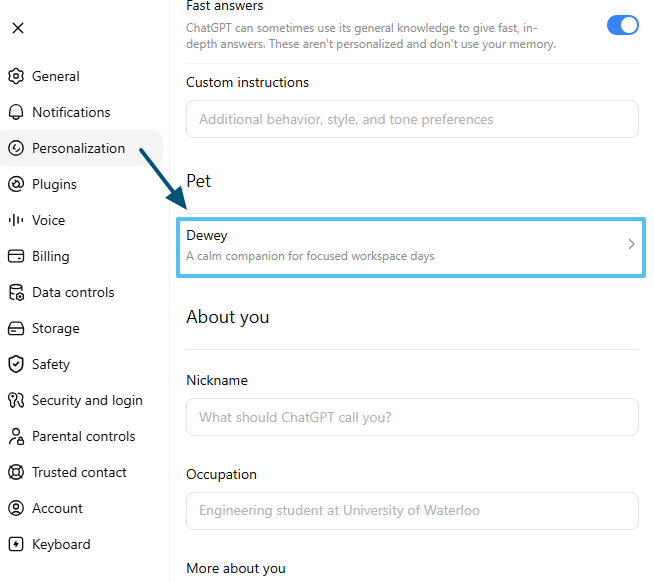
If you don’t see it yet:
- Make sure your ChatGPT app is updated.
- Check whether the feature has rolled out in your region.
- Some experimental features appear gradually before becoming available to everyone.
OpenAI frequently releases new features in stages, so availability may vary between Free, Plus, Pro, Team, and Enterprise accounts.
Do ChatGPT pets make the AI smarter?
No.
Your pet does not change ChatGPT’s intelligence, model capabilities, response quality, available tools or memory.
They are primarily a cosmetic and interactive feature designed to improve the user experience.
Whether you have a pet or not, you’ll receive the same AI responses from the selected model.
Can you customize your pet?
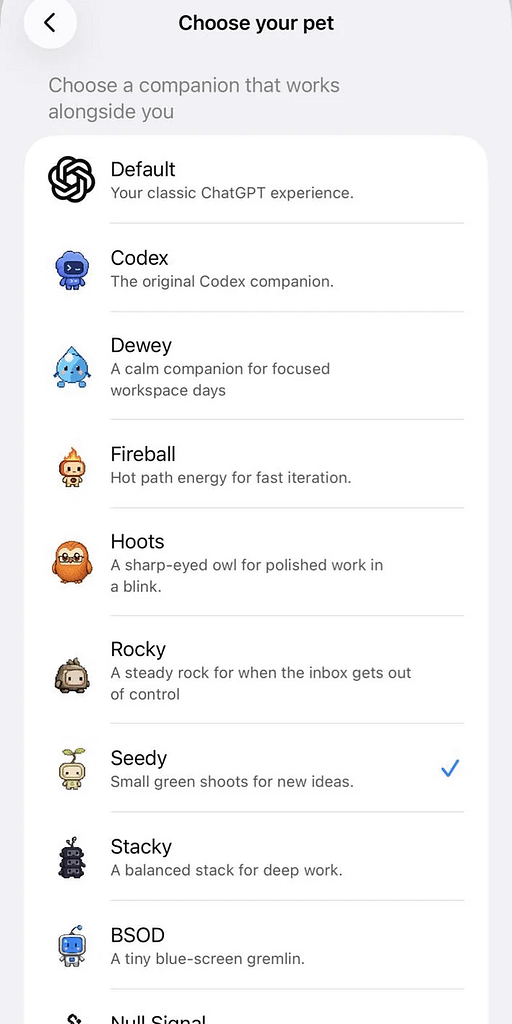
As the feature evolves, OpenAI may introduce additional customization options.
- Choose different pets
- Change appearances
- Unlock cosmetic variations
- Interact with your companion
Depending on your version of ChatGPT, you may be able to:
Because the feature is still relatively new, OpenAI is expected to continue expanding it over time.
Why are people enjoying ChatGPT pets?
While it might sound like a small addition, users often appreciate little touches that make software feel more welcoming.
Some reasons people enjoy the feature include:
- It makes long ChatGPT sessions feel less repetitive.
- It adds personality without becoming distracting.
- It creates a more playful atmosphere.
- It helps personalize the experience.
Not every AI feature needs to improve productivity—sometimes it simply makes technology more enjoyable.
Are ChatGPT pets worth using?
If you’re looking for a productivity boost, pets probably won’t change your workflow.
However, if you enjoy customizing your apps or simply appreciate a little personality while using AI, they’re a fun addition.
Since they don’t interfere with ChatGPT’s core functionality, there’s little downside to enabling one if it’s available.
Frequently asked questions
Are ChatGPT Pets free?
Availability depends on OpenAI’s rollout. Some users may receive access before others, and certain features may initially be limited to specific plans.
Can pets answer questions?
No. Your ChatGPT conversation is still handled by the AI model you’ve selected.
Can I remove my pet?
Yes. If the feature is available on your account, you can usually disable or change your pet through the personalization settings.
Will more pets be added?
Most likely. OpenAI frequently expands successful features with additional content over time.
Final thoughts
ChatGPT Pets won’t revolutionize artificial intelligence—but they don’t need to.
They represent a growing trend toward making AI more personal, approachable, and enjoyable to use. Whether you’re asking complex technical questions or simply chatting for fun, having a virtual companion nearby adds a bit of character to the experience.
As ChatGPT continues to evolve, expect to see more personalization features like Pets that make interacting with AI feel less like using software and more like interacting with a digital assistant designed around you.
Leave a Reply